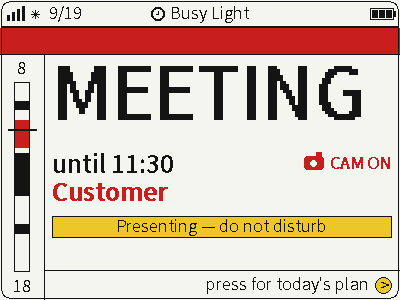
FourColor Ink
Switch between photos, weather and busy status on a four-color screen for glanceable desktop information.
USB firmware
View & install Views0
Device firmware · NOTE4 · Monochrome
Turn NOTE4 into an offline picture-book and narrated animation player, with construction vehicles, animals, stories and Chinese poems. Compile content on a computer and flash it with the firmware; playback needs no network or backend.
Turn NOTE4 into an offline picture-book and narrated animation player, with construction vehicles, animals, stories and Chinese poems. Compile content on a computer and flash it with the firmware; playback needs no network or backend.
Install & use
Connect the device and give AI the detection results together with this firmware information.
USB chip information cannot distinguish monochrome from four-color screens. Confirm the model first.
Read the chip and capacity first, so AI needs fewer follow-up questions.
Detection may restart the device into download mode. It does not flash firmware; you still need to confirm the display model.
Not detected yet. You can also copy the task first and ask AI to help connect.
Codex on your computer can install dependencies and run programs locally.
Check compatibility → Prepare firmware and a full backup → Assist with local installation → Verify first run
After copying, start a new chat in Codex on your computer and paste the task.
Only project information and the device details selected here are included. Network addresses, accounts and keys are configured locally during installation.
Verify the expected Chalk screen and repeated updates.
Ask AI to report the installation location, verification results and how to start again. Continue in the same conversation if something goes wrong.
NOTE4 monochrome · ESP-IDF 5.5 · Go, ffmpeg with libopus, uv · USB · TTS service for audio generation
Follow the README to prepare Go, ffmpeg with libopus, uv and ESP-IDF 5.5. The author documents a Mac workflow. Generating uncached narration requires your own TTS API key.
Build the chalk tool in tools and run chalk build to generate build/storage.bin and build/preview. Inspect frame PNGs and animation previews before building firmware as documented.
Confirm NOTE4 monochrome hardware and back up the original firmware. Use idf.py flash with the project partition layout to write firmware and content. Rewriting content clears saved position and volume; use the documented app-flash flow only for firmware-only changes.
Documentation and selected source reviewed; not built or device-tested. Generated tasks are not sent or installed automatically.
No. This replaces the device firmware and stores precompiled content on-device. Playback is offline. Online TTS used during building is unrelated to the ZECTRIX Cloud push API. NOTE4C support is not declared.
Code uses MIT. Drawings, illustrations and text under content use CC BY-NC-SA 4.0: attribution, noncommercial use and share-alike apply. We reviewed documentation and selected source files, but did not compile or flash a device.
Switch between photos, weather and busy status on a four-color screen for glanceable desktop information.
USB firmware
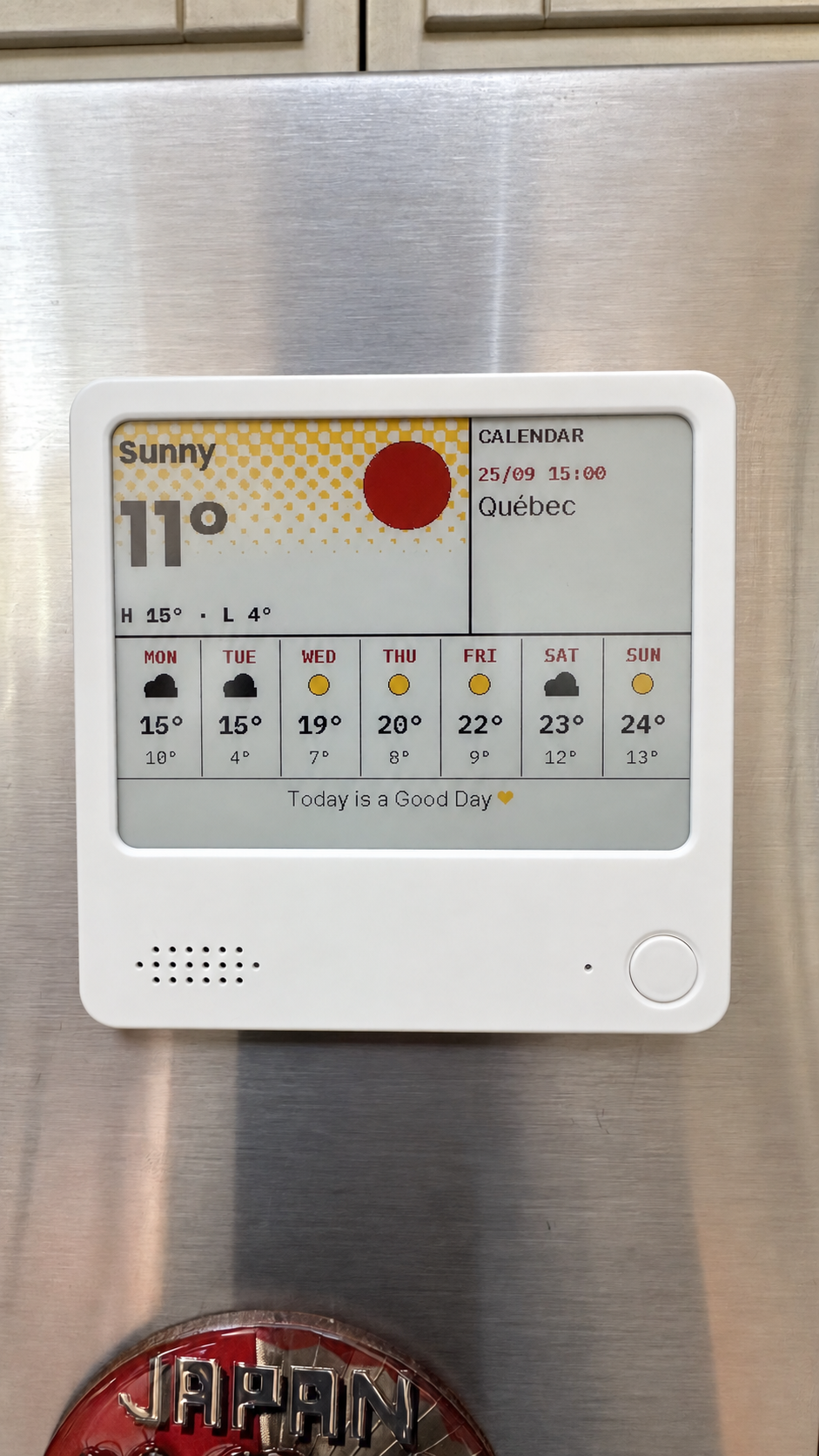
Compose weather, calendars, countdowns and notes on your computer, then send them to NOTE4C over your LAN.
Firmware + companion service
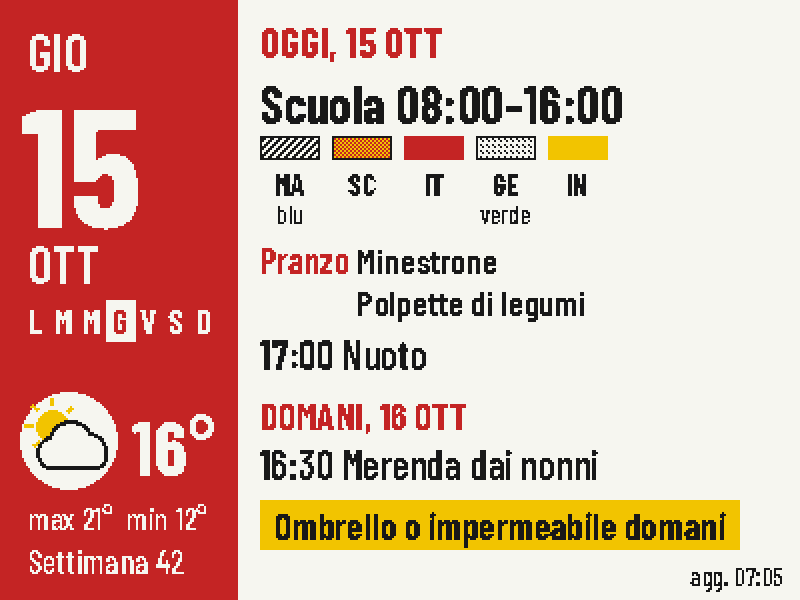
Put today's classes, school lunch, weather and tomorrow's bag checklist on one four-color screen.
Firmware + companion service