FourColor Ink
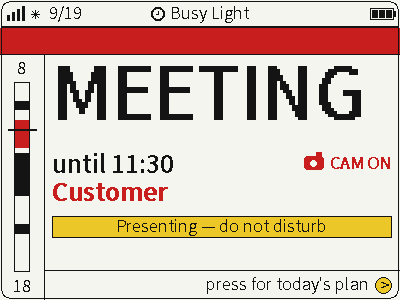
Switch between photos, weather and busy status on a four-color screen for glanceable desktop information.
USB firmware
View & install Views0

Device firmware · NOTE4 · Monochrome
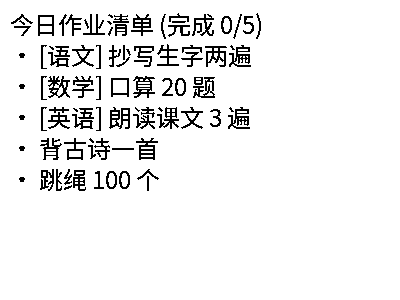
A NOTE4 family learning companion for primary-school children, also called PocketClaw in its documentation. Dedicated firmware, a local Python service, a parent web portal and a WeChat mini-program provide homework, timetables, dictation, poems, arithmetic, English and habits. AI and speech services require separate configuration.
A NOTE4 family learning companion for primary-school children, also called PocketClaw in its documentation. Dedicated firmware, a local Python service, a parent web portal and a WeChat mini-program provide homework, timetables, dictation, poems, arithmetic, English and habits. AI and speech services require separate configuration.
Install & use
Connect the device and give AI the detection results together with this firmware information.
USB chip information cannot distinguish monochrome from four-color screens. Confirm the model first.
Read the chip and capacity first, so AI needs fewer follow-up questions.
Detection may restart the device into download mode. It does not flash firmware; you still need to confirm the display model.
Not detected yet. You can also copy the task first and ask AI to help connect.
Codex on your computer can install dependencies and run programs locally.
Check compatibility → Prepare firmware and a full backup → Assist with local installation → Verify first run
After copying, start a new chat in Codex on your computer and paste the task.
Only project information and the device details selected here are included. Network addresses, accounts and keys are configured locally during installation.
The device displays the expected Zectrix-claw screen and continues to update normally.
Ask AI to report the installation location, verification results and how to start again. Continue in the same conversation if something goes wrong.
Monochrome NOTE4 · ESP-IDF 5.4+ · Always-on Python 3.10–3.12 service · Same LAN · Optional AI, vision and speech services
Use Python 3.10–3.12 on Windows, macOS or Linux. Create a virtual environment in server and install requirements.txt. For first setup, copy .env.example while preserving existing .env and data. Run python serve.py and check http://127.0.0.1:8000/pocketclaw/parent.
Back up the full Flash of your own device and confirm recovery first. The component manifest requires ESP-IDF >=5.4.0, despite the README’s 5.3 label. Select ESP32-S3 in zectrix, build and flash using your own serial port following the author’s guide. No formal Releases package was found. This replaces the existing system and is not for NOTE4C.
Set the device service address to your own ws://HOST-IP:8000/pocketclaw and check networking, tasks, buttons and audio. Access the parent page over the LAN. The mini-program must be imported and configured in WeChat Developer Tools with your AppID and service URL; it is not a published mini-program. Keep default LAN mode private; cross-network use requires authentication or family isolation and HTTPS/WSS.
Source and preview reviewed; firmware hardware validation pending. Generating a task does not send it or install anything.
No. Basic functions rely on the local service staying running, and the offline rule engine is limited. Online AI, photo recognition and speech each need configured services and API permissions. Conversations, selected photos and entered child profiles may be sent to the configured online providers.
The server supports Windows with Python 3.10–3.12 using requirements.txt, rather than the platform-specific lockfile. USB credential tools and some tests require POSIX serial support or pty; the author specifies macOS/Linux or WSL and has not validated native Windows hardware provisioning.
The image is the author’s 400×300 homework-list preview, not our device photograph. Server tests: 218 pass and one timetable assertion fails because it expects two courses on one line while the current output uses separate lines. Firmware compilation, USB flashing, device audio and mini-program hardware use remain unverified.
Switch between photos, weather and busy status on a four-color screen for glanceable desktop information.
USB firmware
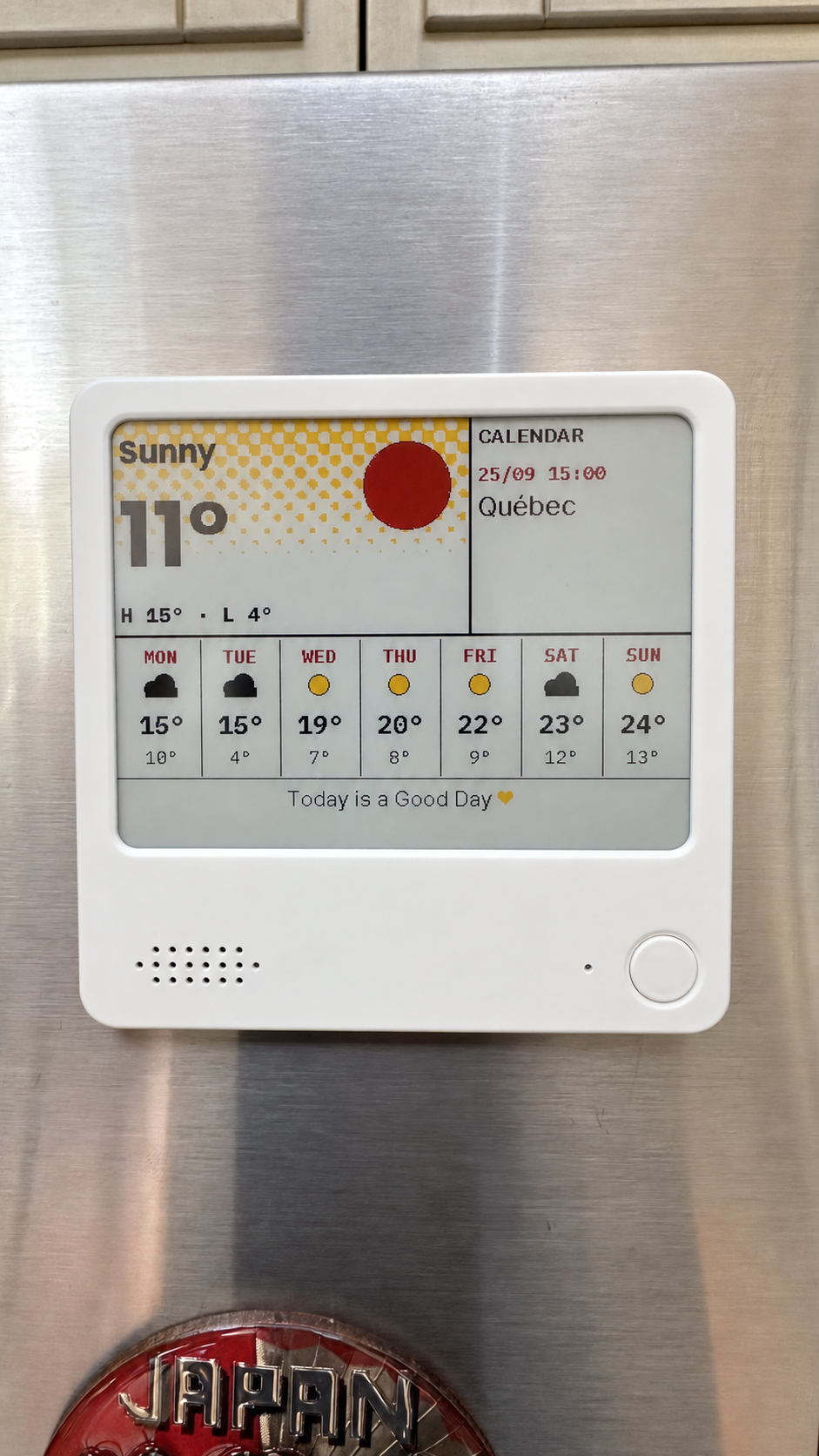
Compose weather, calendars, countdowns and notes on your computer, then send them to NOTE4C over your LAN.
Firmware + companion service
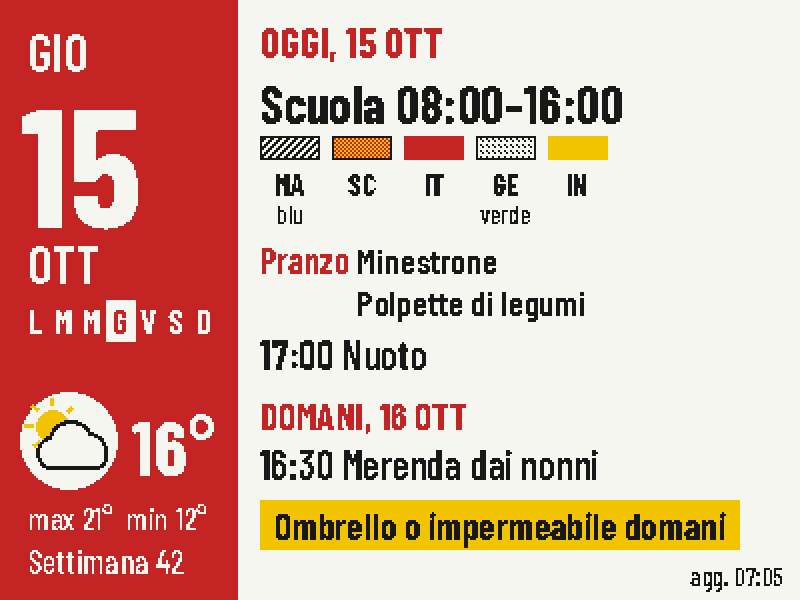
Put today's classes, school lunch, weather and tomorrow's bag checklist on one four-color screen.
Firmware + companion service